Why is my campaign deactivated?
All flagged alerts must be reviewed and approved for reactivation. Simply reactivating the campaign in the DSP without approving the alerts will not restart the campaign.

- The alert has not been approved
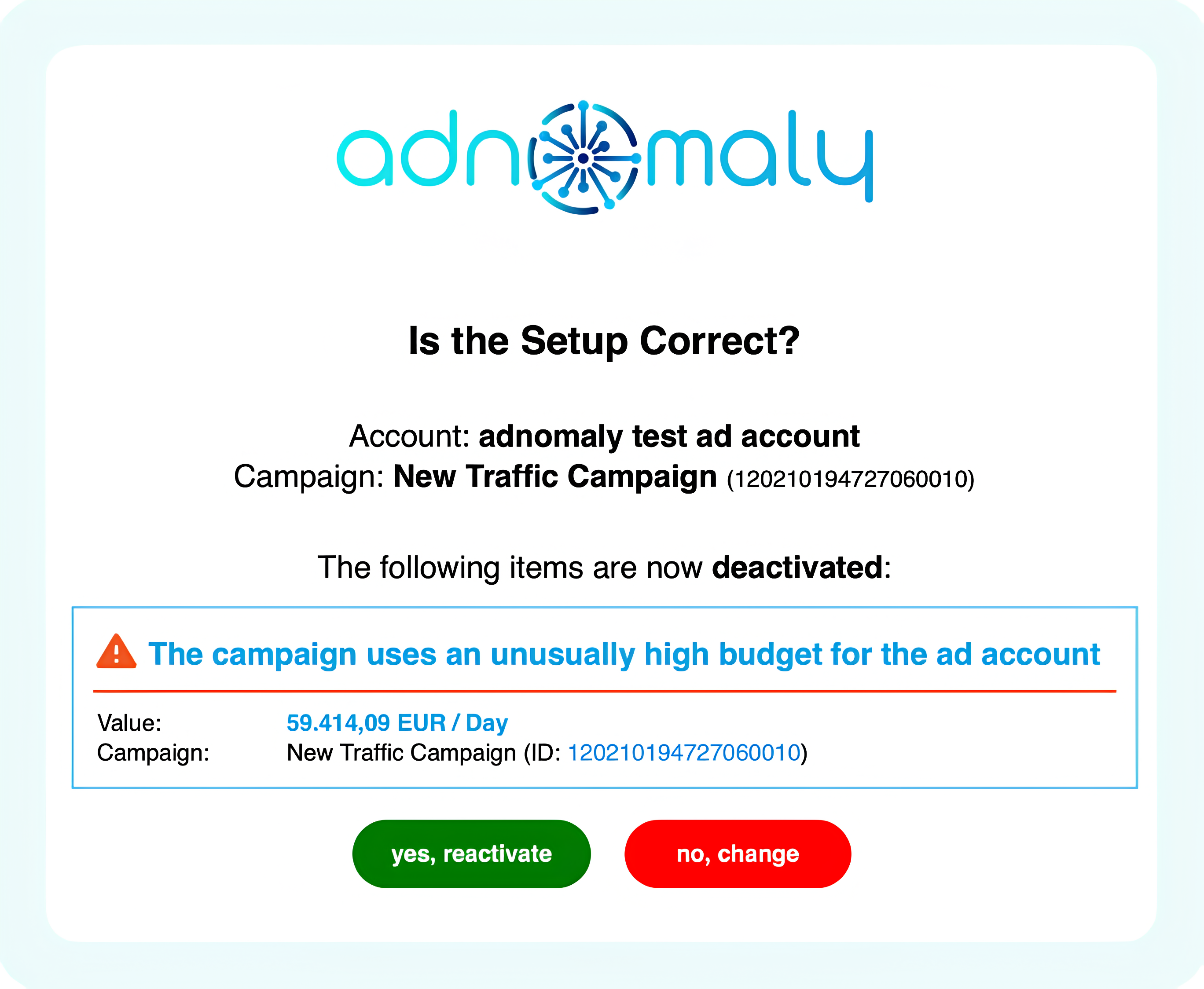
Before approving an alert, review and confirm the related settings. If everything in the alert is correct, simply press the green button. Then, confirm on the landing page, and your campaign will be reactivated.
- The same item appears in multiple alerts
If an item is flagged in more than one alert, all related alerts must be approved before the campaign can be reactivated.
- You did not receive an alert
If the platform’s change log shows that adnomaly paused your campaign, but you didn’t receive an alert, you may need to add the ad account or advertiser to your account in the Operations Center. Only the accounts you select there will trigger email notifications for unusual settings. If you cannot find the specific ad account or advertiser, please take a look at our guide "I cannot find some of the ad accounts / advertiser in the Operations Center!?".
How did we do?
How to reactivate my campaign?
I did not receive an alert but my campaign is deactivated. Why?