Why did I receive an alert?
adnomaly detects unusual patterns based on your data and rules. While not always an issue, it adds security by sending real-time alerts so you can review and fix mistakes early.

If you’re wondering why adnomaly sent you an alert, it doesn’t necessarily mean something went wrong. adnomaly detects unusual settings, not just errors, to help you review potential anomalies.
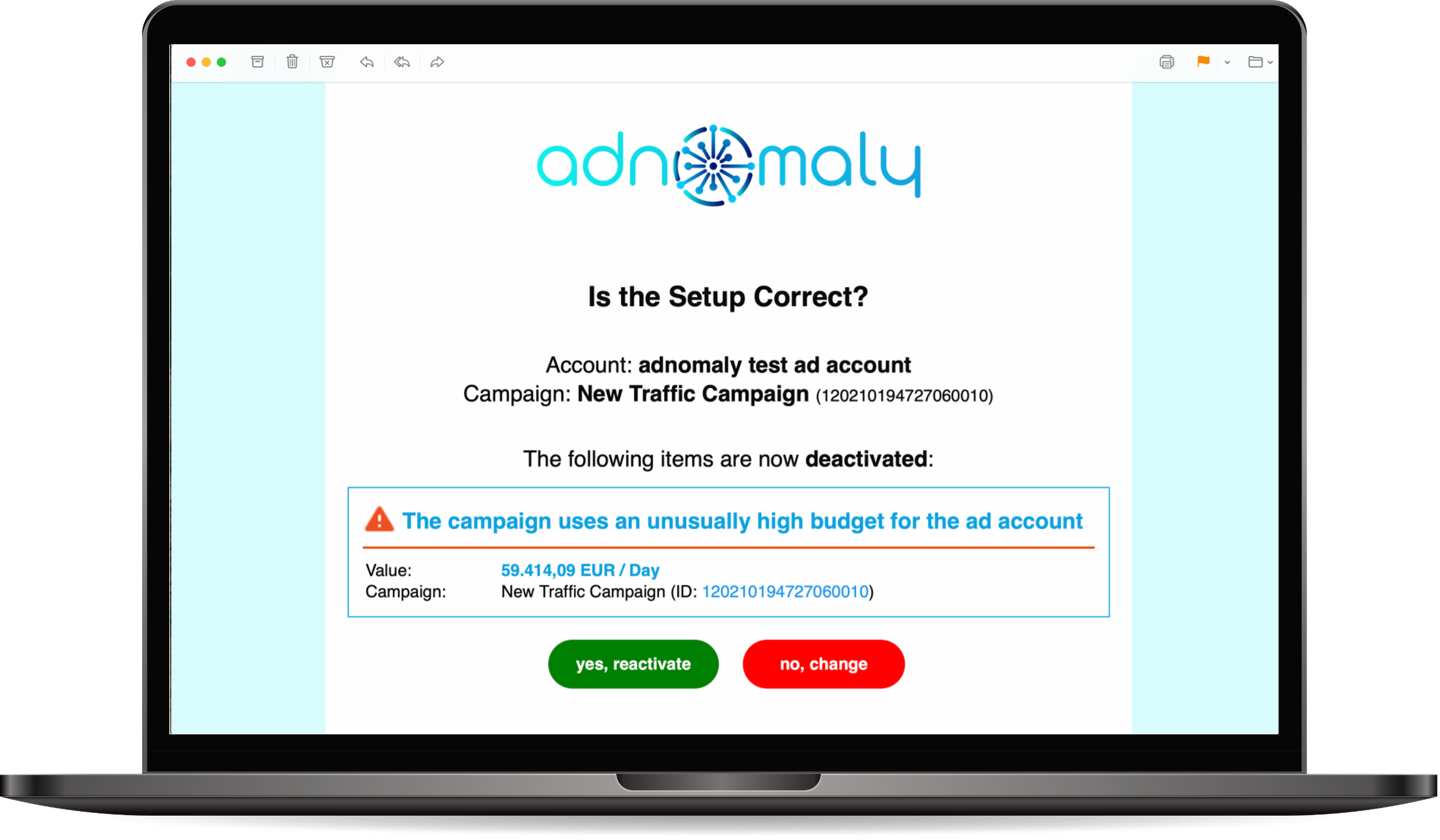
- How adnomaly works:
adnomaly is a service designed to help businesses identify and address anomalies in their campaign setups. It uses advanced algorithms and machine learning to analyze historical campaign setup data individually per advertiser, detecting unusual patterns that could indicate issues such as human or technical errors (e.g. daily vs. lifetime budget, unusual or missing GEO, landing page 404s). By providing real-time alerts, adnomaly enables to quickly respond to potential problems and save media budgets while streamlining the process of manual campaign double-checks.
- What this means:
No Immediate Issue – An anomaly doesn’t always mean there’s a problem with your setup; it simply indicates that the system has detected something unusual.
Extra Layer of Verification – adnomaly adds a security layer, similar to Two-Factor Authentication (2FA), to help prevent potential mistakes. By default, adnomaly deactivates campaigns, line items, ad sets, ad groups, or creatives, depending on where the anomaly was detected.
Real-Time Alerts & Easy Reactivation – When an anomaly is found, you’ll receive a real-time alert, allowing you to review and fix any unintended errors before the campaign goes live. Once you approve the alert, the affected campaign, ad set, or creative will be automatically reactivated.
How did we do?
When does adnomaly send alerts?